Information Technology
Goals of Information Technology
- 1To learn the basics of operating computers to find information and understand their mechanisms and functions.
- 2To develop a proper sense of information ethics and understand how to use the internet safely and securely.
- 3To understand how computers can be used to solve problems by thinking about things logically and systematizing the flow of information processing through programming.
- 4To acquire the ability to use a computer to organise, present, and express one's own ideas.
Points of focus
- To train students to become familiar with computers and utilize them correctly, by assigning multiple teaching staff to provide them with detailed guidance.
- To give importance to education about how to handle personal information when using the internet, including rules and manners. At times, also provide guidance about how to use the internet safely and securely, touching on the negative aspects of the internet.
- To create a curriculum for learning programming that is suited to the stage of growth of all students, and to make sure that all students can use it to learn programming enthusiastically. The ability to think logically is necessary in all fields of study.
- To enable students to use computers as tools to freely present and expressing their own ideas. To create an environment that allows students to learn from and accept each other. To develop lessons in collaboration with all other subjects.
Facilities and equipment
Audiovisual room (computer room)
(1) One desktop computer for every student
Keyboard input is an essential skill that we want all students to master. To make it easier for students to understand how computers work, we purposely use desktop computers.
Providing one desktop computer per student enables students to work on their assignments at their own pace, freely using their own ideas. Comparing their operations with the results they obtain also allows them to deepen their learning.
(2) Students can work in their personal computing environment on any computer
This system feature gives students the flexibility to work not only during classes but also during breaks and after school.
In addition to storing individual files, the system allows file sharing. This feature allows teachers to distribute teaching materials and assignments and students to submit the work they create.
(3) All computers are equipped with a high-speed Internet connection
Filters are used to prevent students from accessing harmful websites.
This allows students to use the Internet securely and smoothly, so they can conduct their research and study efficiently.
(4) Distribution of one tablet per student
All students and teachers in Grades 1 to 6 are provided with a tablet computing device.
The school has decided to use tablets with cellular connectivity so that they can be used not only in school buildings but also within the school grounds, for field strips, and for home study.
We also use a centralized management and filtering system to ensure the security of devices and operations. As these devices are increasingly used in diverse ways, both in classes and in special activities, new forms of instruction and learning are emerging. Methods of utilization are expanding beyond just increasing efficiency.
On the other hand, however, there are many aspects of computer use that require careful handling, such as personal information protection and consideration for copyrights and image rights, as well as avoidance of various unseen threats in networks and computing systems to maintain security.
We are guiding our students on a daily basis, encouraging them to think and make judgements for themselves on how to use their computing devices correctly, to ensure safety and security.
School intranet
In addition to the audiovisual room (computer room), all facilities where people gather for activities, such as regular classrooms, special classrooms, the main hall, assembly rooms, and gymnasiums, are equipped with wired or wireless Internet access.
Computer Science classes
Positioning as a class
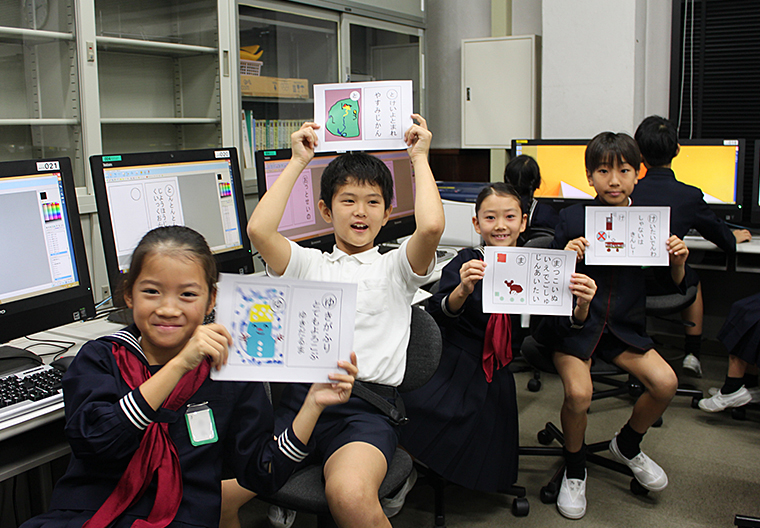
In Grades 3 and 4, students take a class called Computer Science for one hour a week. In this class, students learn fundamental skills and concepts through activities that familiarize them with the basic operation and use of computers.
In Grades 5 and 6, the class is repositioned as part of integrated studies, with a focus on the use of computers in conjunction with other subjects and special activities.
We then try to broaden the interests of students in the subject and its content. Students further expand their range of applying computers through computer programming, which allows them to develop logical thinking skills and use computers to express and present ideas.
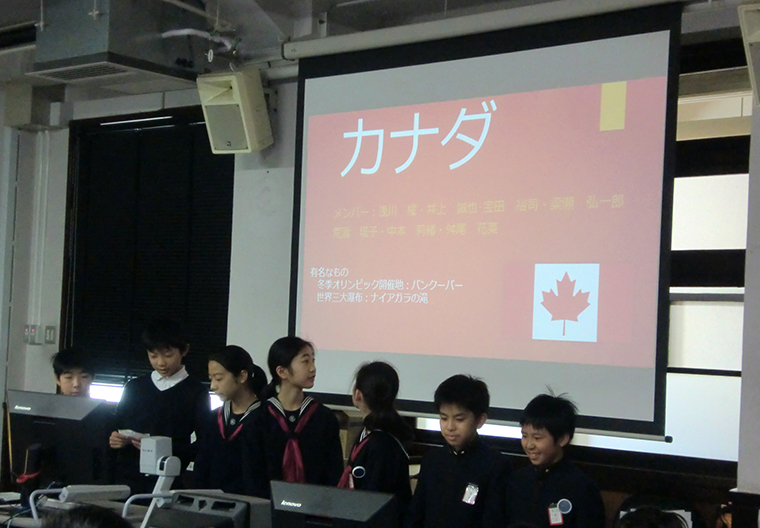
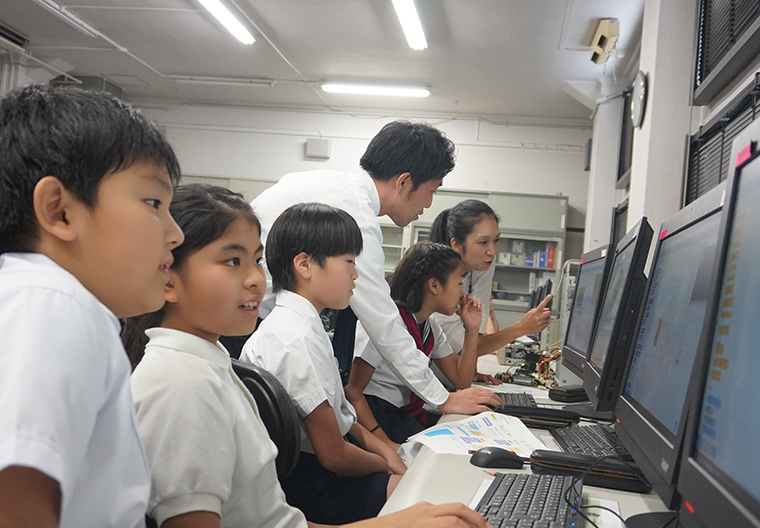
Several full-time teachers are available to guide students in this subject.
By ensuring that we can respond immediately to individual questions and problems, we ensure that every student builds up their skills and understanding of computing.
Contents
We have developed a unique curriculum that is aligned with the progressive growth stages of students.
The practical steps we take to achieve a gradual and steady understanding are as follows.
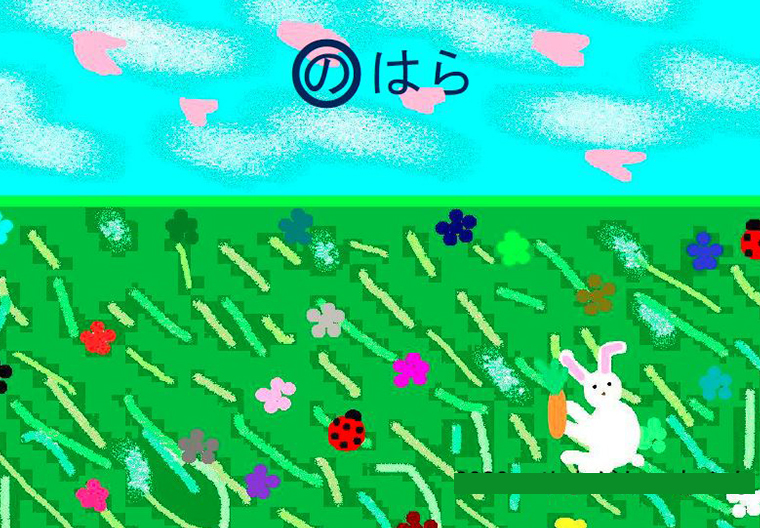
(1) As students learn the basics of computer operation and get familiar with computers, they gradually expand their range of computer use.
Students begin by learning how to turn on the computer and use a mouse and keyboard. With the support of learning software, they then use keyboard input to create text documents and graphics (drawings), as well as to produce presentations with a mixture of text and graphics. Through this process, they gradually acquire essential computer skills.
(2) Students are taught to understand that with an Internet connection, they can use a computer to search for and obtain a variety of information for research and study purposes.
Through the use of computers for their regular subjects, field trips, and other educational activities, they master the basics of Internet searching. At the same time, we make sure that students understand how to obtain reliable information.
(3) Through the study of information ethics, students are taught to understand how to use computers and other digital devices and computer networks (the Internet) safely and securely.
By covering topics such as copyright and image rights, we help students understand the basic principles of information ethics.
To help students understand how to use the Internet safely, we also focus on the negative aspects of the Internet, such as the need for care to avoid being led to dangerous websites or accidentally downloading dangerous information.
We also point out the various types of computers that exist in the world around us and help students to understand the value and characteristics of computers and the Internet from different perspectives.
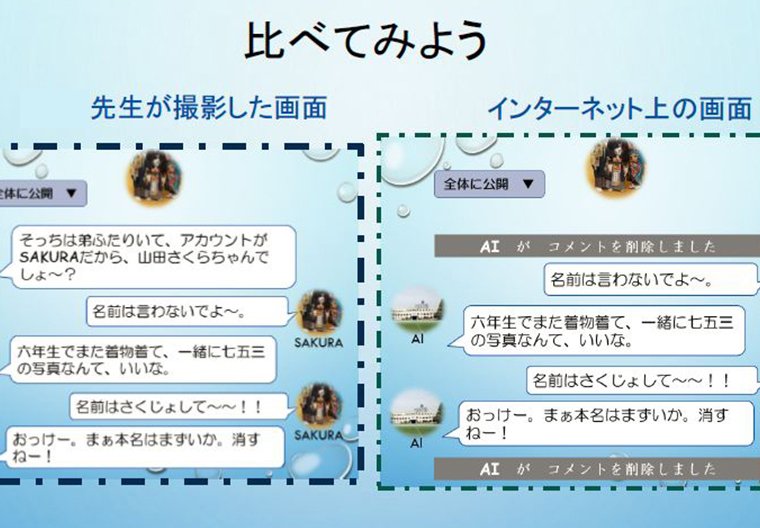
(4) We try to help students understand that by systematizing flows of information processing as programs, computers can be used for calculating and finding solutions to problems and challenges.
The study of programming is introduced in Grade 4. However, rather than having students start off by writing computer programs on the screen, we have them focus on changes in situations and circumstances under specified conditions and understand the flow and development of a program in sequence.
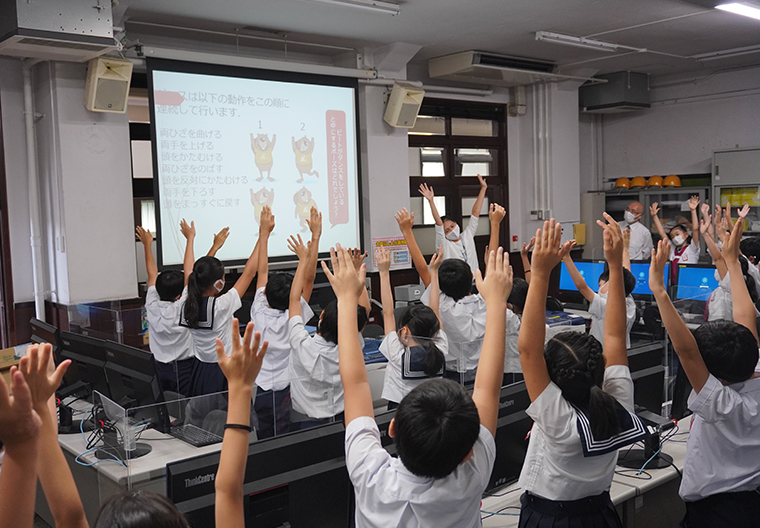
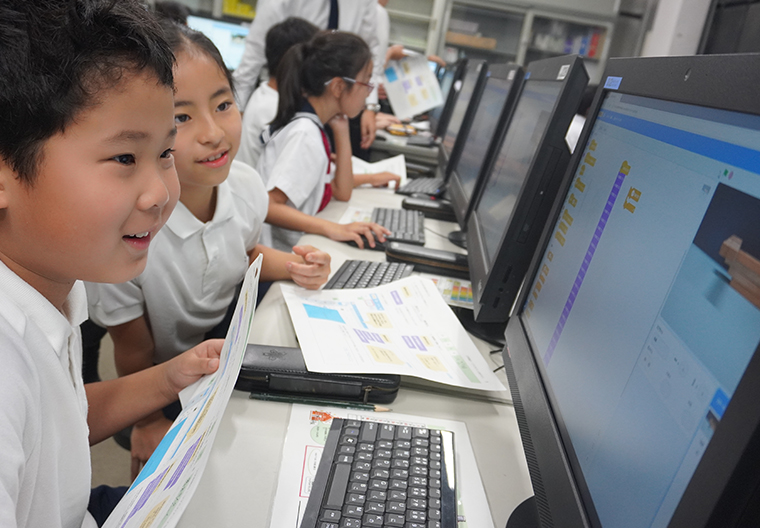
Students learn that if they focus on the rules and logic that underlie a process and express them on a computer, they can develop this into a program. They can then execute the program of instructions to see if the predicted rules and logic are correctly reflected in the program. This not only gives students fresh insights into how computers work but also helps them appreciate the fun of programming and understand the value and potential of using computers.
The school has even formulated its own guidelines to ensure that students can use their computers for safe learning at home.
In this way, we aim to foster the ability to think about things logically (problem-solving ability), encouraging students to engage in programming, a skill that can only be developed using computers.
(5) Through a series of these activities, students finally acquire the skills and wisdom to make effective use of computers and the Internet to organize, present, and express their ideas.
Linking to the Primary School Library computer system
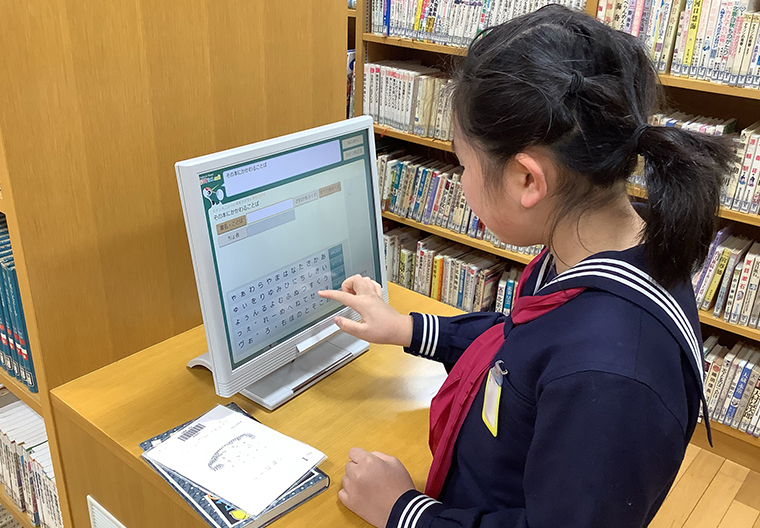
The Primary School Library has installed a dedicated computer system for library operations. This makes it easy for students to borrow books and to search the library collection using touch-panel terminals exclusively for book searches.
For Grade 5 and 6 students, the system is linked to “Book Hour.” This helps students to learn how to make comprehensive use of information, including that in the Primary School Library.